Construction Camera Cost: Types and Features
Construction camera cost explained: types (time-lapse, 4G, solar, PTZ, 360, CCTV), a buyer checklist, published prices (Oct 2026), buy vs rent.
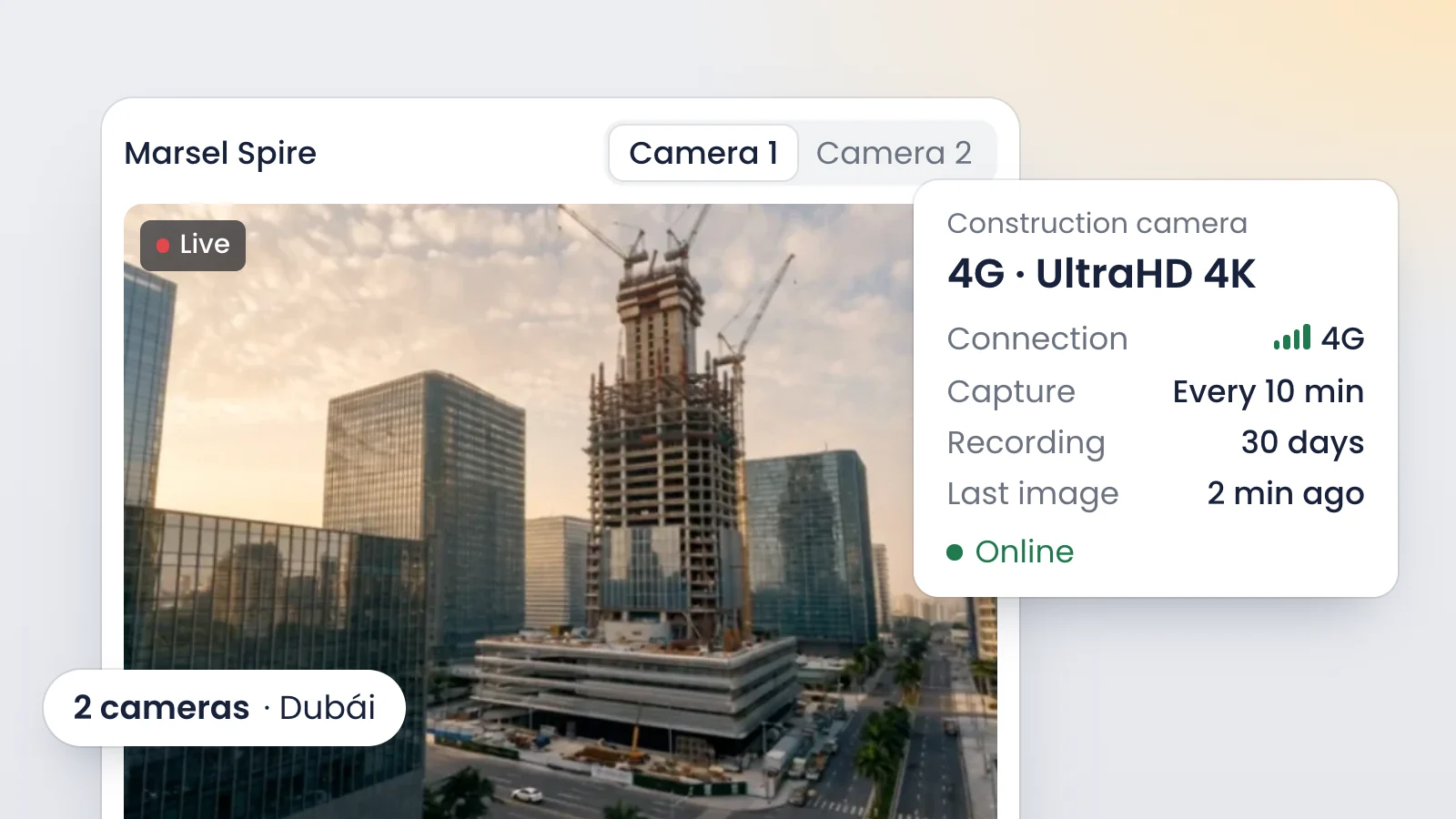
AI-generated images
Construction camera cost depends on whether you buy hardware alone or subscribe to a platform. A standalone time-lapse camera is a one-time purchase. Platforms charge a monthly fee: as of October 2026, TrueLook lists $99 to $599 per month and myTikee €39 to €104 per camera per month. Many vendors only quote on request.
What is a construction camera?
A construction camera is a fixed, weatherproof camera mounted on a jobsite or infrastructure asset to document progress with dated photos or video. It usually comes with its own power or a grid connection, 4G/LTE connectivity and a platform to view images, build time-lapses and share them with the team.
You will also see it called a jobsite camera, build cam or site monitoring camera. What sets it apart is not the hardware but what happens to the images: they are kept for the whole project, organized by date and turned into something useful for people who are not on site.
Types of construction camera and what each is for
Type | Best for | Main limitation |
|---|---|---|
Standalone time-lapse (battery) | A simple time-lapse with no power or network | No remote view: someone collects the card |
Fixed 4G camera with platform | Live view, time-lapse, photo history, sharing | Needs cellular coverage and power |
Solar-powered | Sites with no power: highways, pipelines, solar farms, farmland | Panel and battery must be sized for winter |
PTZ (pan-tilt-zoom) | Panning and zooming to inspect specific areas | Once it moves, the time-lapse loses its fixed frame |
360 camera | Interior walkthroughs, MEP before ceilings close | Periodic capture, not continuous |
CCTV or security camera | Deterrence and incident footage | Built for gates and people, not progress |
On real projects these get combined. A GC might run a fixed 4G camera for overall progress, continuous recording at the gate, and periodic 360 photos of MEP rough-in before drywall. On linear projects a solar camera is close to mandatory: a stretch of highway or pipeline rarely has a power panel where you need one.
What should a construction camera include? Buyer checklist
Before you ask for a quote, check that each option covers:
- Enough resolution to see real progress, not just shapes. 4K leaves room to zoom.
- A weatherproof enclosure that handles rain, dust and heat.
- Power from the grid, solar or battery, with real runtime at your capture interval.
- 4G/LTE connectivity with controlled data use, so you do not depend on trailer Wi-Fi.
- Browser access with nothing to install, and seats for the whole team.
- Automatic time-lapse that drops bad frames and corrects flicker.
- Timestamped image history and a way to compare two dates.
- Continuous recording if you need to reconstruct an incident, not just track progress.
- Privacy masking over public streets or neighbors' windows.
- Installation and support: who mounts it, who moves it when the site changes, who answers when it fails.
- Image ownership: you can download everything at closeout.
How much does a construction camera cost? Published prices (October 2026)
We only list figures the vendor publishes on its own website. They were checked in October 2026 and may change.
Option | Published price | What it covers | Source |
|---|---|---|---|
TrueLook Essentials | $129/month month-to-month, from $99/month prepaid | Construction camera plan | |
TrueLook Premium | $599/month month-to-month, from $469/month prepaid | Top published plan | |
TrueLook Jobsite Monitoring | +$100/month | Add-on for Advanced and Premium | |
myTikee Capture (Enlaps) | €39/camera/month billed annually, €52 monthly, excl. tax | Time-lapse platform; camera sold separately | |
myTikee Monitor (Enlaps) | €78/camera/month billed annually, €104 monthly, excl. tax | Higher tier of the same platform | |
OxBlue | No published rate | Lease or purchase, quoted per project | |
Local time-lapse production company | Per-project quote | The finished video | Each provider |
Standalone time-lapse camera | One-time hardware purchase | Camera only, no platform | Retailer |
To compare fairly, add up three lines: hardware (bought or rented), the platform fee and installation. A low subscription that excludes the camera can cost more than a higher all-in fee, especially on short projects.
VisionHub publishes its prices per module, excluding VAT. Run your numbers in the VisionHub pricing calculator, and if you are weighing alternatives, see our comparisons with production companies, CCTV and other platforms.
Security camera vs. construction documentation camera
A security camera and a construction camera can look alike on the pole. They solve different problems.
Security (CCTV) | Progress documentation | |
|---|---|---|
Goal | Deter and reconstruct incidents | Record progress and report it |
Framing | Gates, fences, laydown yards | The whole site, fixed for months |
What it keeps | Continuous video for a short time | Timestamped photos for the whole build |
Output | Incident clips | Time-lapse, comparisons, history |
That is why a consumer security camera rarely works as a construction time-lapse camera. Many switch to black and white at night, re-expose constantly and overwrite footage after a short time. You can stitch the frames by hand, but expect color jumps and gaps.
Recording people on or around a jobsite is regulated in most places, from GDPR in the EU and UK to state and local rules in the US. Check signage and retention requirements where you build. VisionHub's live view lets you configure privacy masks to hide what should not be visible.
Should you buy or rent a construction camera?
Buy | Rent | |
|---|---|---|
Payment | Upfront capital cost | Monthly fee |
Maintenance | Yours | The provider's |
Good fit for | Firms with back-to-back projects and in-house techs | One-off projects or teams without a tech |
Risk | Idle or outdated hardware between jobs | Higher total cost on very long projects |
Buying pays off if you run project after project and have someone to mount, move and maintain the cameras. Otherwise, renting turns the camera into a job cost that starts and ends with the project.
VisionHub offers 4G construction camera rental: a plug-and-play camera with UltraHD (4K) quality, true-to-life color and optimized data use, with no site network required. Specialist partners install it and you manage it from the platform. And if you already have IP cameras, there's no need to replace them: VisionHub connects to any IP or network-connected camera using standard protocols.
What VisionHub does with the images
The camera is only half of it. VisionHub is a visual monitoring and remote management platform for construction sites, infrastructure and assets. With the same camera you get:
- Live view 24/7 in up to 4K from the browser, with a multi-camera video wall and privacy masks.
- Continuous HD recording for 30 days, with MP4 clip downloads.
- Automatic time-lapse, with capture frequency set by phase and flicker removal. Our construction time-lapse guide covers it step by step.
- Side-by-side photo comparison between two dates, and weather alerts that store an image of the site at each alert.
Users per project are unlimited. For example, a renewables developer building a solar farm gives access to the EPC contractor, the owner's rep and the investor, and each of them follows progress without flying in.
Frequently asked questions
How much does a build cam cost per month?
It depends on what is included. As of October 2026, TrueLook publishes $99 to $599 per month depending on plan and billing, and myTikee €39 to €104 per camera per month excluding tax, with the camera sold separately. Many vendors only quote on request. VisionHub publishes per-module prices, excluding VAT, in its calculator.
Can a security camera be used for a construction time-lapse?
Usually not well. Security cameras are built to record continuous video and overwrite it quickly, they switch to black and white at night and change exposure constantly. The result is a time-lapse full of jumps and gaps. A construction camera keeps timestamped photos for the whole project and assembles them automatically.
What camera do I need on a site with no power or Wi-Fi?
A 4G camera with a solar panel and battery. 4G replaces Wi-Fi by sending photos over the cellular network, and the panel replaces grid power. Check coverage at the exact mounting point and size the panel for winter. It is the standard setup on highways, pipelines, solar farms and agricultural sites.
Is it better to buy or rent a jobsite camera?
Buy if you run back-to-back projects and have people to install, relocate and maintain cameras. Rent if projects are occasional or you want maintenance handled by the provider. Renting ties the cost to the project's duration, while owning spreads it across several jobs but leaves hardware idle in between.
Conclusion
Choosing a construction camera means choosing what you will do with the images: watch the site live, document progress, keep evidence or market the project. Compare total cost (hardware, subscription and installation) and run through the checklist before you sign. To see it working, book a VisionHub demo and price your setup in the pricing calculator.