VisionHub | Visual monitoring and remote management
Your sites and assets, live
24/7 cameras, time-lapse, drone, 360 and BIM in one platform for construction, infrastructure, energy and agriculture. Track progress without site visits.

AI-generated images
Companies that trust us
- Toyo Ito & Associates
Main features
VisionHub is the visual monitoring and remote management platform for construction, infrastructure and assets. Explore each tool and see how to follow your projects simply, from anywhere.
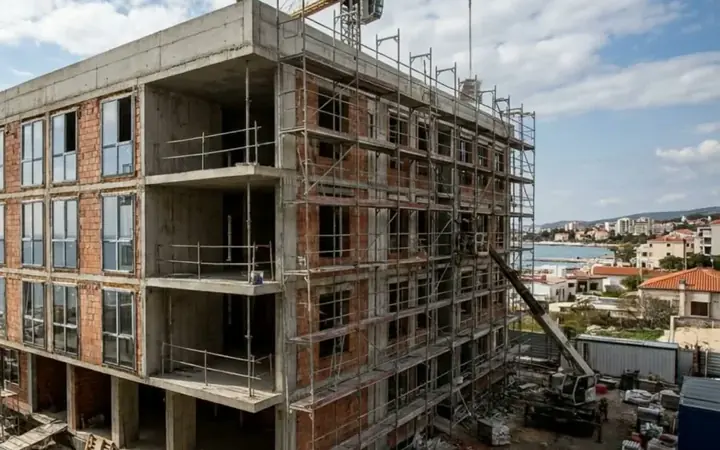
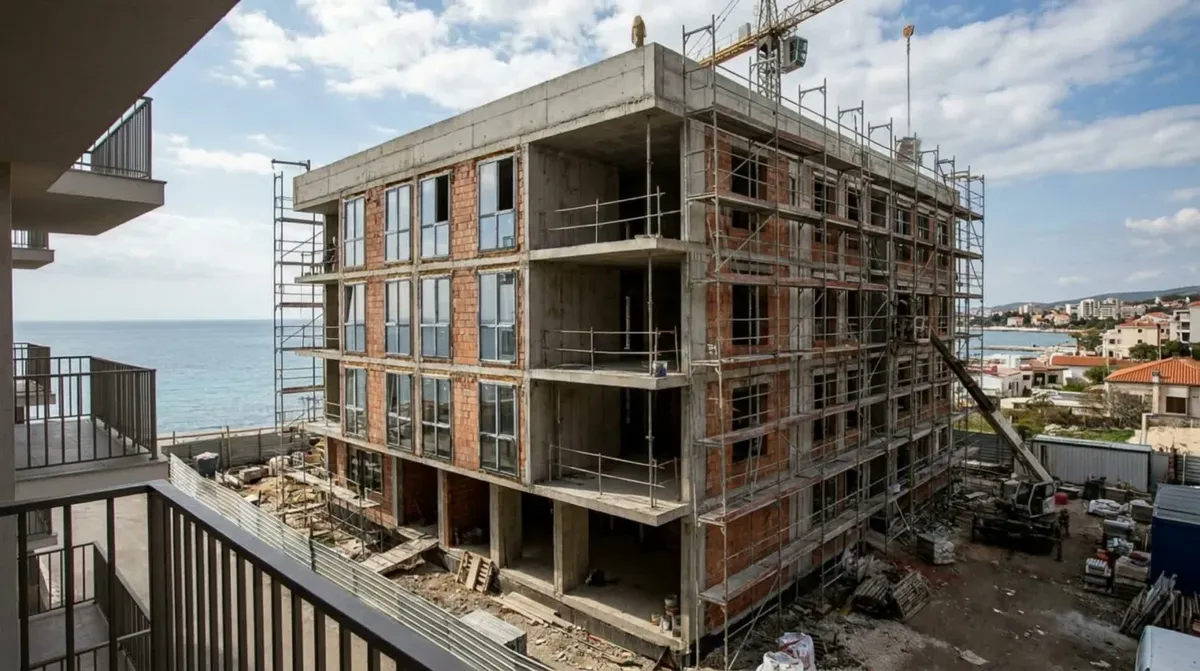
Construction images in these demos are AI-generated.



Download our App and save time
Check the live view, the gallery and your projects' progress from iOS and Android.




2,000+Active users
No limitUsers per project
750+Cameras installed
Boost your sector
Who is it for
Supervise execution in real time and with millimetre precision.
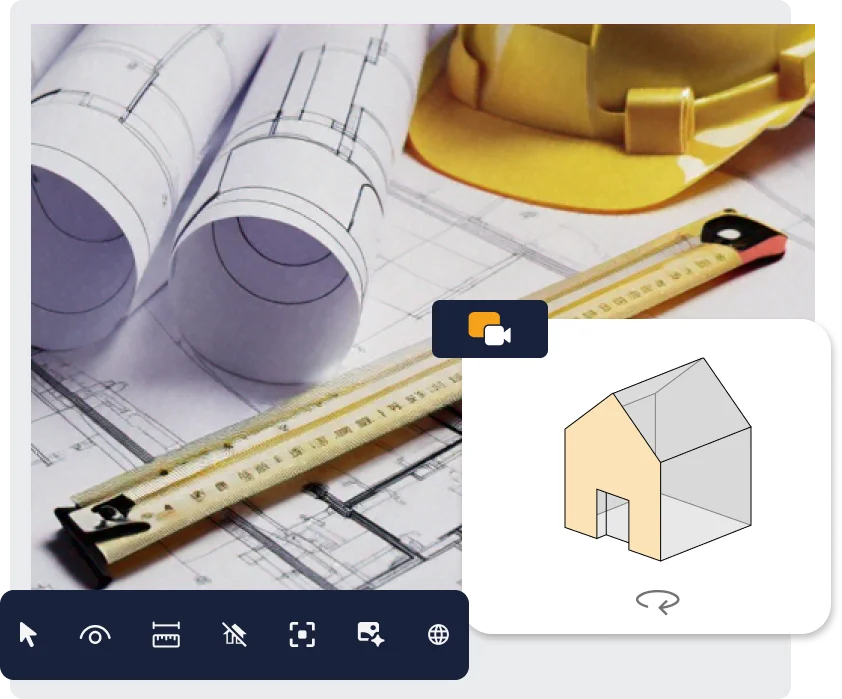
As an engineering firm, architect or site management team, you need to make sure the work is built to design. With VisionHub you follow progress in real time from anywhere, on buildings, civil works or linear works, and compare the current state with the BIM model. Fewer site trips, faster decisions based on accurate data.
Learn more about engineering firms and site supervision
Already using it
- Toyo Ito & Associates
Monitor your sites in real time and optimise every phase.
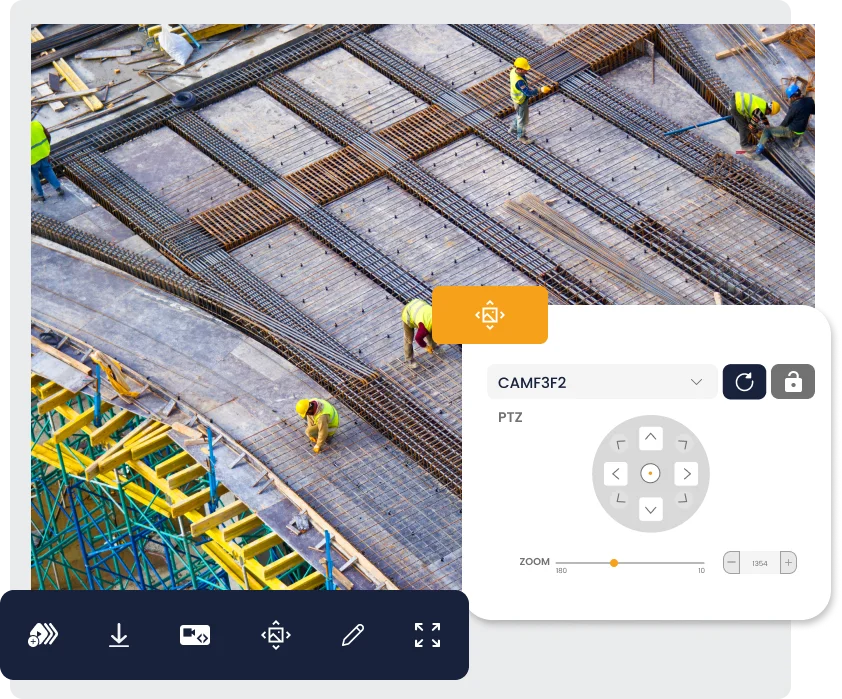
For a contractor, meeting deadlines and managing resources well is key. With VisionHub you see your sites, from a housing development to a road or a pipeline, through live cameras. AI Analytics tells you whether the site is active, shows working-hour patterns and measures daily activity. You can also adjust the camera framing remotely.
Already using it
Keep control of your projects and assets with continuous reports.
As a developer, investor, fund or public authority, you have committed to a project and need deadlines met. With VisionHub you get constant reports and up-to-date views of every site or asset, wherever you are. The platform doesn't just report progress: it also explains delays with weather and activity data.
Learn more about real estate developersLearn more about investors and funds
Already using it
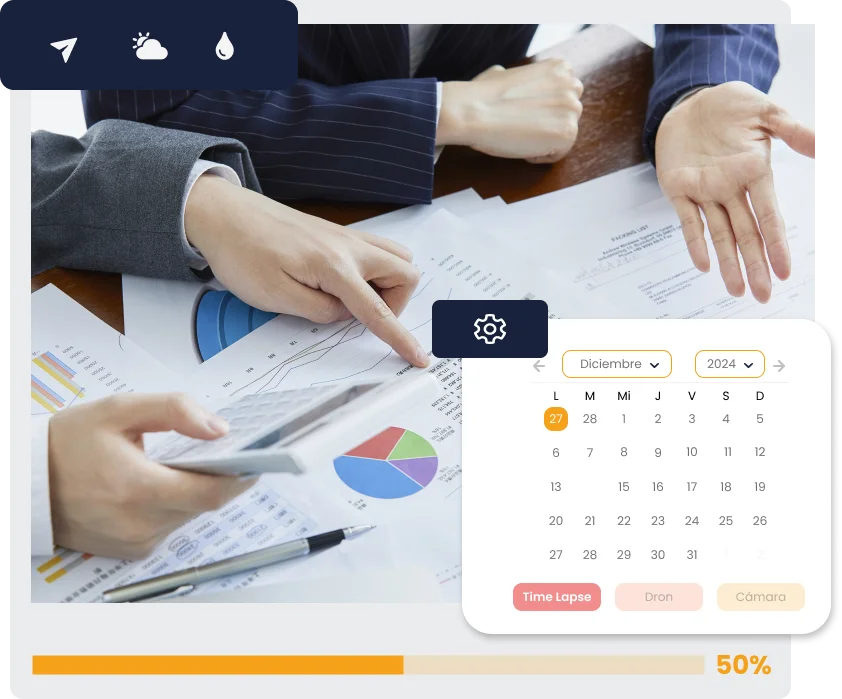
Turn every stage of your project into impactful content.
As part of the marketing team, you need high-quality content to promote your projects and keep your clients informed. With VisionHub you turn your project's progress into compelling visuals: professional time-lapses, custom videos and high-quality photos that showcase every stage.
Already using it
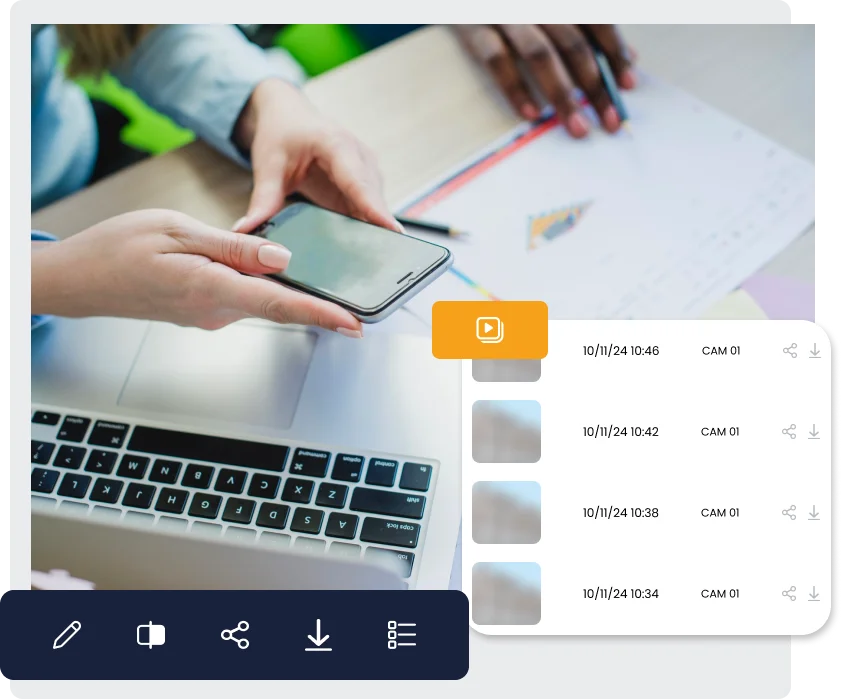
Pricing per project
Create your projects for free and pay only for the services you turn on in each one. Unlimited users in all of them.
All prices are monthly and exclude VAT.
Estimated totalProvisional prices
€82
/ monthWith no services, your projects cost nothing.
More than 10 projects: VisionHub Enterprise
The same services with volume and annual-billing terms, plus what an organisation needs: SSO, Autodesk Forma integration (formerly Autodesk Construction Cloud), an SLA, a dashboard of all your sites, invoicing by bank transfer and guided onboarding.
Always included
✓Unlimited users
✓5 free projects included with 2GB of storage
✓50 GB per active project
✓BIM, point clouds and Gaussian splatting
✓And much more
Breakdown
Request a quoteActive projects
Projects with at least one service on. The rest are free.
Cameras per project
Per-camera services are multiplied by each active project.
Live view 24/7
24/7 camera streaming up to 4K, with privacy masks. Price per camera.
Required for recording, smoke and fire detection, and AI analytics.
€7/ month per camera
Continuous recording
Continuous HD recording: go back to any moment and download the clip you need.
€30/ month per camera
Construction time-lapse
Automatic weekly or monthly progress videos, plus custom videos for any date range. Includes 500 GB.
€45/ month per camera
Smoke and fire detection
An alert as soon as the camera detects smoke or flames.
€29/ month per camera
AI analyticsBeta
Site activity around the clock, marked on the recording timeline. In beta.
€39/ month per camera
Extra storage
On top of the 50 GB included in every active project.
€6/ month per project
VisionHub Pro
Upgrade with advanced options
€39/ month per project
4G 4K camera rental
Plug-and-play 4G camera with UltraHD (4K) quality, true colours and optimised data usage. Price per camera.
€165/ month per camera
Customer reviews

The control provided by VisionHub adds a new layer of oversight, both from the perspective of the construction company and the project developer. Additionally, it delivers value as a marketing tool by generating high-quality audiovisual content. The interface is user-friendly, simple, and easy to use.
Antonio GonzálezBranch Manager

The VisionHub platform allows us to view the construction progress of our assets in real time, as well as download any type of material. Likewise, the team provides us with support and assistance at any time and for any need.
Cristina CerveraMarketing Associate

An ideal tool for following what happens on our sites in real time. An intuitive platform that makes it easy to review previous days. It helps us with our projects in a simple way. As technicians, we find it very useful.
Javier ChavesProject Manager

With Visionhub, we have gained remote visibility into the progress of the construction. It is extremely helpful during the excavation, containment, and structural phases, allowing us to provide better support to the teams on site.
Ferran UrgellésSupply Chain & Construction Manager

It is an intuitive and extremely useful tool that we use daily to manage and maintain clear control over our projects. Additionally, we highlight the excellent team of professionals behind it: committed, detail-oriented, and always ready to provide quality support.
Anna GarrigaHead of Communication & Marketing

The image quality is impressive and the camera runs continuously, without interruptions, letting us document the whole construction progress clearly and in detail. We now have a valuable visual resource for both internal monitoring and presentations to clients and investors.
Guillem DigónSite manager
A valuable tool for continuous visual monitoring of our project. Very intuitive, and the features are spot on, so they speed up any task in it. The technical support has also been timely and effective.
Sheila RojasAsset Manager
We answer your questions
Frequently asked questions
What people ask us most before getting started with VisionHub.
Can't find your answer?
The Help center has step-by-step tutorials and a chat with our support team.
Go to the Help centerHow much does VisionHub cost?
Creating projects is free: up to 5 projects with 2 GB each and unlimited users. You pay only for the services you turn on in each project, for example 24/7 live view at €7/month per camera, continuous recording from €6/month, construction time-lapse at €45/month with 500 GB, or 4G camera rental at €165/month. All prices are monthly and exclude VAT.
Do I need to install any software?
No. VisionHub works from any web browser with nothing to install, and there are also iOS and Android apps.
How many users can access the platform?
Unlimited users and devices in every project. You can manage per-user permissions (owner, admin, user) so only the right people can view and manage each project.
How does the site camera work?
We offer a plug-and-play 4G camera for rent: specialised partners install it with no civil works or network cabling, it records in UltraHD (4K) with true colours and its data usage is optimised. If you already have IP cameras, you can connect them using standard protocols too.
How long are recordings kept?
With the continuous recording module you choose 48 hours, 7, 15 or 30 days of HD recordings, with the ability to review incidents and export specific moments. 30 days is the maximum retention period set by Spain's data protection law (LOPDGDD, art. 22) for video surveillance footage.
Can I try VisionHub before subscribing?
Yes. Creating projects is free, so you can start without paying anything. If you would rather see it first, book a demo and we will walk you through the platform with your own projects.
Which sectors use VisionHub?
VisionHub is a visual monitoring and remote management platform. It is used in building construction, infrastructure and civil works, linear works (roads, rail, pipelines), asset and facility inspection, energy and renewables, and agriculture.
How do I contact VisionHub?
Book a 30-minute demo using the form on this page and we will show you VisionHub on a project like yours. If you are already a customer, the Help center has tutorials and a support chat.
Does VisionHub integrate with Autodesk Forma (formerly Autodesk Construction Cloud)?
Yes. VisionHub is available in the Autodesk Forma marketplace (formerly Autodesk Construction Cloud): you generate a link with the cameras you choose, add it to the VisionHub card in the Insight panel, and your whole team sees the live view or the latest photo of each camera without leaving Forma. The steps are in the Help center.
Ready to take your business to the next level?
Live View 24/7
Live streaming up to 4K, multiview videowall and configurable privacy masks.
Monitor your construction site continuously, securely, and without limits. VisionHub allows you to view your site live, 24/7, from anywhere, with no restrictions on users or devices.
- Direct access from any web browser without installing additional software.
- Configurable privacy masks (LOPDGDD and GDPR compliance).
- Unlimited screenshots for progress reports, technical validations, communication updates.
- Minimal latency for a real-time experience even with limited connectivity.
- Simultaneous viewing on multiple devices and accounts.
- Searchable image history.
Coming soon
- Magnifier mode.
- Automated screenshot scheduling.
- Remote PTZ camera control (latency under 4 seconds).
- iFrame generation for web embedding.
Construction time-lapse
Automated 4K construction time-lapse: weekly or monthly progress videos, plus custom videos for any date range you choose.
A construction time-lapse condenses months of work into seconds. VisionHub builds it automatically from your cameras' photos, with no production company for every video, ready for progress reports, board meetings, sales and social media.
- Automatic weekly or monthly progress videos, plus custom videos for any date range.
- AI-assisted composition: colour correction, stabilisation and flicker removal.
- Frames with errors, night shots or rain are discarded automatically.
- Edit by length, pace and style, with logos, music and title cards.
- Capture frequency set by construction phase, adjusted automatically if the schedule changes.
- Online access to every image, with filters by week, month or the whole project.
- Export in formats ready for reports and social media.
What a construction time-lapse is for
- Progress tracking: see at a glance what was built each week and each month.
- Sales and marketing: turn the build into content for developments, funds and clients.
- Documentation: keep a continuous visual record of the build, from groundworks to handover.
Time-lapse works for buildings, civil and linear works, energy facilities and any asset you want to document over time. Each camera with time-lapse adds 500 GB of storage to the project.
Continuous Recording for up to 30 Days
Continuous HD recording from your cameras with 48 h, 7, 15 or 30-day retention; review incidents and download clips.
Record every moment of your project for 30 days: a complete visual log of your construction site 24/7, with uninterrupted HD recording that does not affect network connectivity.
- Continuous HD recording, 24/7, without impacting data usage. Ideal for sites with limited connectivity.
- Fast and intuitive navigation: interactive timeline, forward/rewind, adjustable speed up to x12.
- Instant browser access: no installations. View, download MP4 clips, or capture images anytime.
Continuous recording serves as an essential tool to enhance site security, document possible incidents, and support occupational risk prevention.
Coming soon
- Add notes and observations to videos.
- Event calendar and key moments.
- Tag colleagues and collaborative comments.
BIM Digital Twin
Overlay IFC models on the live camera view, measure and section in the browser.
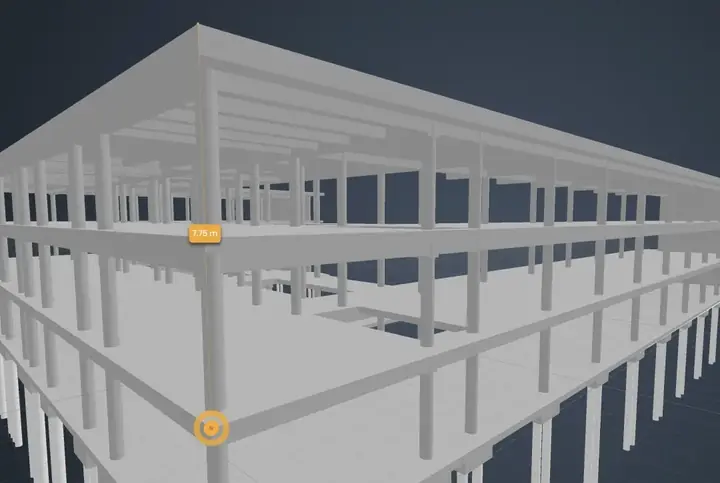
The VisionHub BIM digital twin overlays the IFC model on the live view of the site to check whether what has been built matches the design, from any browser with nothing to install.
A Digital Twin is a virtual replica of your site's status, represented in two ways:
- BIM Model (IFC): design files (architecture, structure, MEP).
- Generated Digital Twin: real captures (point clouds, Gaussian Splatting, NeRF), obtained by drone or 3D scanner.
Key features
- Selection, hiding, and isolation of elements.
- Loading and overlay of several IFC models (not saved as a federated model).
- Quick measurements (distances, areas, volumes).
- On-the-fly cuts and sections.
- Real-time camera synchronization (live camera vs. virtual BIM camera).
- Predefined views (floor plan, elevation, 3D).
- Intuitive model tree.
- Instant detailed properties.
- Side-by-side comparison or opacity adjustment between design model and live capture.
- Point clouds and Gaussian Splatting or NeRF models inside the viewer.
Coming soon
- Interactive hotspots with 360º aerial photos, technical notes, links.
- Automatic deviation detection (design vs. execution) using AI.
- Automated progress report generation.
Meteorology
A comprehensive, accurate, and practical overview of the weather conditions affecting your construction projects.
This tool provides a comprehensive, accurate, and practical overview of weather conditions affecting your construction projects. Anticipate weather changes, optimize planning, analyze past events, and make informed strategic decisions.
1. Weekly and hourly weather forecast for construction sites.
2. Custom weather alerts: wind, rain, temperature — real-time notifications.
3. Active alerts and historical weather tracking, with visual evidence of what happened during each alert.
4. Visual site monitoring with updated photos combined with weather data.
Benefits
- Clear, customizable alerts.
- Complete event history.
- Visual documentation of site conditions during each alert.
- Integrated with the Gantt Chart to monitor progress.
Gantt Chart
Import or build the project Gantt chart and compare it with what the cameras show and the weather forecast.
Clear, visual, and structured overview of all project tasks. View dates, assigned team members, dependencies, and progress within a single intuitive dashboard.
1. Import or create your Gantt chart (XML upload or from scratch).
2. Visualize the complete project schedule.
3. Plan tasks and define dependencies (parent tasks, subtasks).
4. Update and modify tasks in real time.
5. View the Gantt chart alongside live construction cameras.
6. Compare with the weather forecast.
Benefits
- Anticipate conflicts and delays.
- Optimize resources.
- Ensure on-time delivery.
- Improve coordination between teams.
- Centralize tasks, responsibilities, and deadlines.
Multimedia Gallery
Photos, videos, time-lapses and drone captures of every project, filterable and ready to download or share.
The visual core of your construction project. All resources generated by site cameras, drones, technical visits, inspections, or audiovisual production are neatly organized, accessible, and ready for analysis, download, or sharing.
- Filter by date, camera source, resource type (video, photo, timelapse), or keywords.
- Browse thousands of files in seconds with an optimized search system.
- Annotation tools: highlight, paint, or mark key areas.
- Advanced visual sharing: generate an iframe for reports or client portals.
- Comparison mode: side-by-side (before vs. after).
- HD/4K quality directly from the platform.
- Download in multiple resolutions.
- Manage and replay automatic time lapses anytime.
Coming soon
- Automatic albums by project phase, issue type, or relevant milestones.
- AI to automatically detect and select the best shots.
- AI-assisted advanced filtering.
- Automatic classification by site zones, cameras, or users.
Photo Comparison
Contrast construction progress in seconds and detect deviations with precision.
Visualize the evolution of your construction project through an interactive system of real images captured directly from on-site cameras — no edits, no retouching.
- Side-by-side viewing with interactive slider.
- Advanced filtering by date, time, and camera.
- Smart image overlay for analyzing subtle changes between phases.
- Identification of progress and construction deviations.
Coming soon
- Comparison by marked specific areas.
- Multi-angle parallel comparison.
- Annotation and comment tools.
- Automatic visual alerts for significant differences.
Project Management
Online access with no installation required. Real-time tracking of construction progress. Collaborative and multidisciplinary management. Site geolocation.
Thanks to its key features, VisionHub allows you to coordinate all aspects of your project in an agile, structured, and secure way.
- Create, organize, and update schedules, milestones, reports, photos, videos, deliverables, technical documentation.
- Centralization of all resources: BIM models, point clouds, DWG plans, videos, images.
- Structured document management system.
- Role and permission assignment tailored to each profile (developer, site manager, engineering, client, supplier, marketing).
VisionHub facilitates team collaboration and ensures real-time project tracking.
User Management
Total and secure control over access to your construction project.
Maintain control over access and collaboration in your construction project. VisionHub allows you to manage each user's permissions, ensuring that only authorized individuals can view and manage relevant information.
- View-only permissions.
- Partial editing permissions.
- Full administrative access.
- Restrictions to specific modules (e.g., access only to Live View or Document Management).
- Ability to temporarily block users or revoke access in real time.
Thanks to this advanced role system, VisionHub adapts to any organizational model.
AI Analytics (Beta)
Site activity index calculated with AI from the cameras: presence of people, machinery and vehicles, with 24-hour, monthly and six-month summaries (beta).
VisionHub revolutionizes the way you monitor the real progress of your construction sites. Through automatic analysis of 4K images, our AI provides objective and up-to-date information on the level of activity.
- A predefined mask is applied to active work zones, filtering only relevant movement.
- The AI automatically identifies and classifies: presence and movement of workers; activity of light and heavy machinery; industrial and logistics vehicles; significant changes in site morphology.
All analysis preserves anonymity and complies with GDPR, using facial blurring and statistical data not linked to individuals. Integrated with Time Lapse, Live View, Photo Comparison, and Project Management.
Coming soon
- Automatic correlation with weather data.
- Comparative graphs by work teams or zones.
- Productivity index by machinery type.
- Activity pattern recognition and automatic alerts.
- Customizable dashboards by user role.
- Exportable, editable reports (PDF/Excel).
- Automatic tagging of construction milestones via computer vision.
 Extra storage100 GB, 1 TB or 5 TB packs per project
Extra storage
Storage packs per project: 100 GB, 1 TB or 5 TB, on top of the 50 GB included in every active project.
Every project with at least one service on includes 50 GB for images, videos, BIM models and documents. Construction time-lapse adds another 500 GB. If you need more, add a storage pack to the project that needs it:
- 100 GB pack.
- 1 TB pack.
- 5 TB pack.
Each pack is a monthly fee per project. Check the current price in the pricing calculator. Users are unlimited in every project.
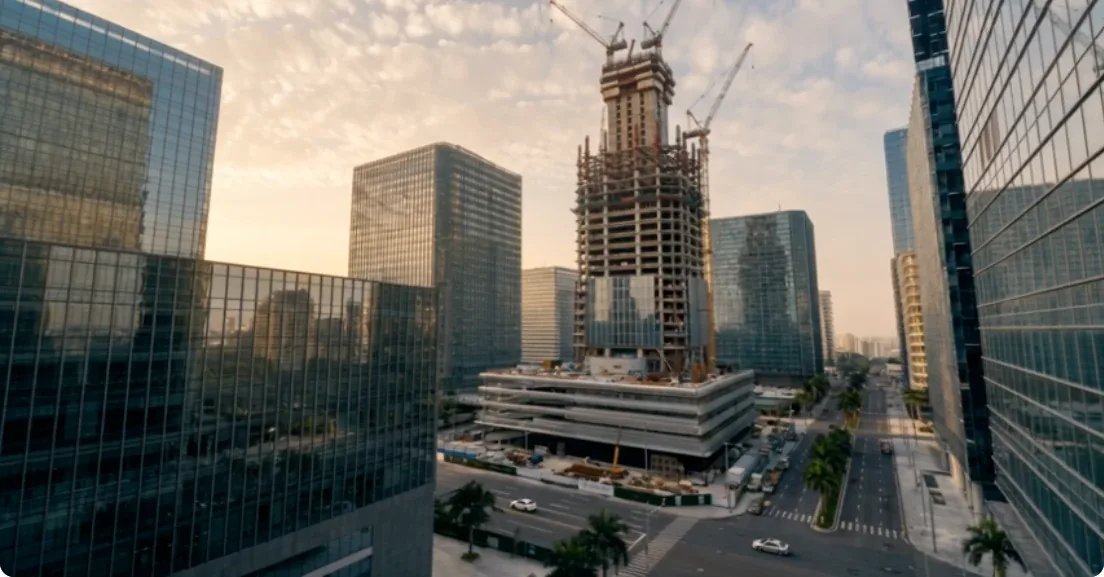
 4G construction camera rental4G 4K camera, ready to plug in
4G construction camera rental
Plug-and-play 4G camera for rent: UltraHD (4K), true colours and optimised data usage, with no cabling or network on site.
Rent a ready-to-connect 4G construction camera and start watching your site, infrastructure or facility in VisionHub without relying on the site network.
- 4G connection: no network cabling or wifi needed on site.
- UltraHD (4K) quality with true colours.
- Optimised data usage for locations with limited coverage.
- Arrives configured: specialised partners install it and it shows up in your project as soon as it connects.
- Works with every VisionHub service: 24/7 live view, continuous recording, construction time-lapse, smoke and fire detection and AI analytics.
If you already have IP cameras, you can connect them: VisionHub works with any IP or network-connected camera using standard protocols, and rental is just one option.
Rental is a monthly fee per camera, with no equipment to buy, and services you turn on for the camera are billed on top. Check the current price in the pricing calculator.

 Remote supportRemote support for cameras and platform
Remote support
Remote support from the VisionHub team for camera and platform issues, with tailored service terms in VisionHub Enterprise.
The VisionHub team supports every project remotely: tracking camera and platform issues, helping you set up projects and users, and a support chat in the Help center.
- Real-time tracking of connected camera status.
- Remote diagnosis, coordinated with specialised partners when someone needs to go on site.
- Help setting up projects, permissions and services.
If you need guaranteed response times (SLA) or tailored terms for many projects, they come with VisionHub Enterprise. Ask for it in the demo form.
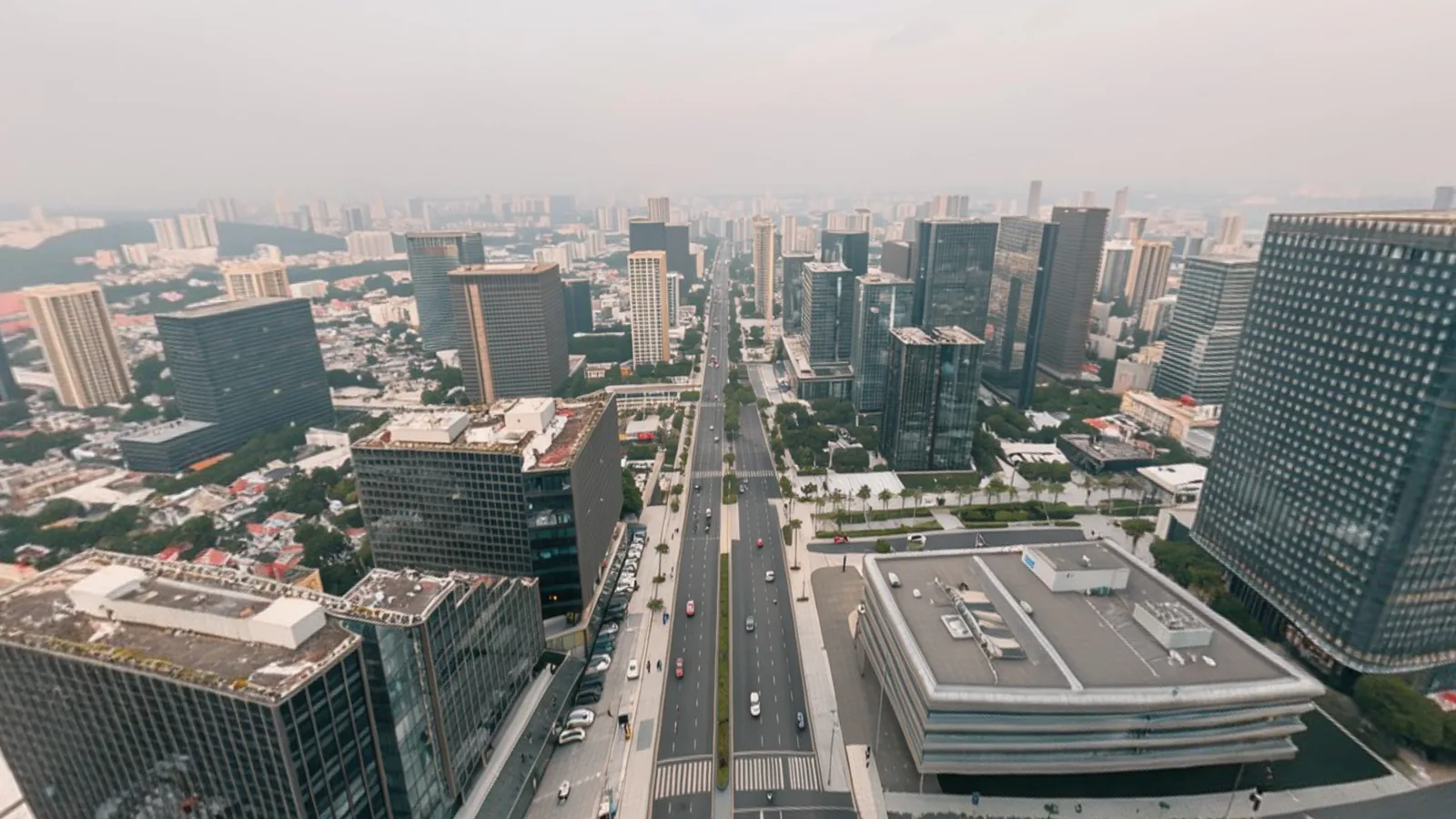
 Media: drone, photography and 360Drone, photography and 360 by partners
Media: drone, photography and 360
Schedule drone flights, photo sessions, filming and 360 virtual tours of your site, carried out by specialised partners.
Schedule from VisionHub the captures a fixed camera cannot cover: drone flights, orthophotos, photo sessions, filming and 360 virtual tours. Specialised partners carry them out and everything they produce lands in your project's gallery.
- Scheduling panel for captures throughout the project.
- Production status of each capture, from request to delivery.
- Direct access to each delivery from the Multimedia Gallery.
Loading the 360 view…
Virtual views
Virtual views in real or simulated environments, with precision aerial photography.
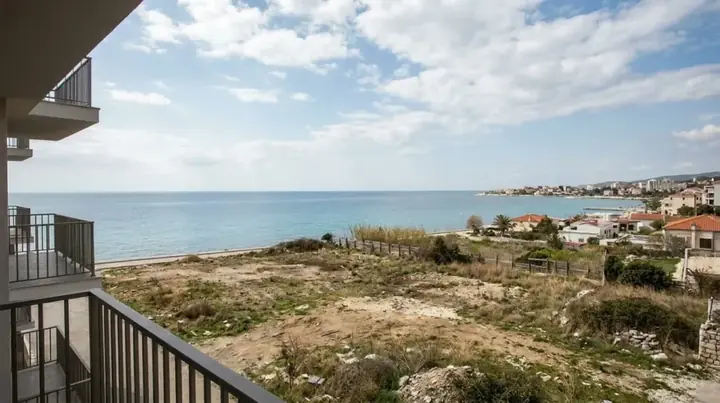
A module for viewing virtual tours in real or simulated environments: preview the views from your building before construction starts, using precision aerial photography.
Site feed
Everything that happens on site in one thread: automatic alerts and team reports.
- Automatic alerts: weather, cameras and files, with nothing to type.
- Photo reports: what happened today, with #tags.
- Comments and @mentions: loop in a teammate in the thread.
- Filter by #tag: just structure, facade or whatever you use.
- History by date: isolate a day, a month or a range.