BIM Digital Twin
IFC models, point clouds with a virtual walkthrough of their panoramas, and Gaussian Splatting. All georeferenced, online and fast even with heavy files. GIS layers coming soon.
AI-generated images
What it is for: BIM Digital Twin
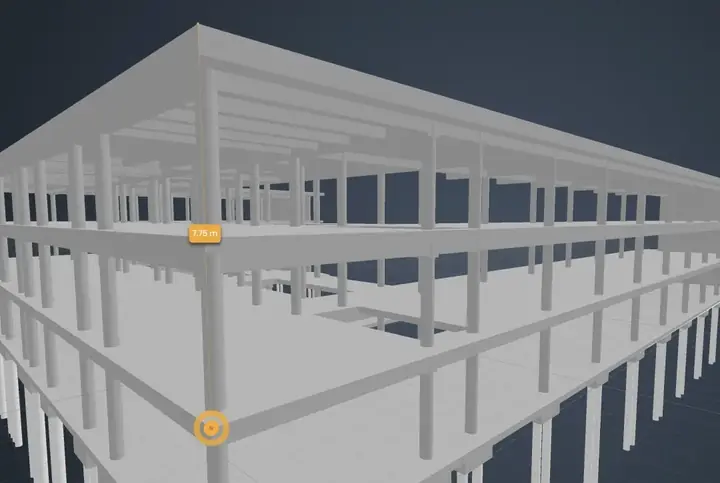
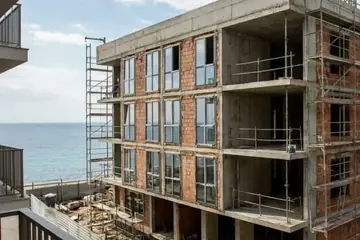
The VisionHub BIM digital twin overlays the IFC model on the live view of the site to check whether what has been built matches the design, from any browser with nothing to install.
Design against reality
Compare the IFC model with the live camera, side by side or with opacity.
Measure without a site visit
Distances, areas and volumes, with cuts and sections on the fly.
One model for the whole team
Engineers, site managers and developers review the same model in the browser.
What is included
A Digital Twin is a virtual replica of your site's status, represented in two ways:
- BIM Model (IFC): design files (architecture, structure, MEP).
- Generated Digital Twin: real captures (point clouds, Gaussian Splatting, NeRF), obtained by drone or 3D scanner.
Key features
- Selection, hiding, and isolation of elements.
- Loading and overlay of several IFC models (not saved as a federated model).
- Quick measurements (distances, areas, volumes).
- On-the-fly cuts and sections.
- Real-time camera synchronization (live camera vs. virtual BIM camera).
- Predefined views (floor plan, elevation, 3D).
- Intuitive model tree.
- Instant detailed properties.
- Side-by-side comparison or opacity adjustment between design model and live capture.
- Point clouds and Gaussian Splatting or NeRF models inside the viewer.
Coming soonIn development
- Interactive hotspots with 360º aerial photos, technical notes, links.
- Automatic deviation detection (design vs. execution) using AI.
- Automated progress report generation.
How it works
Upload the model
IFC files for architecture, structure or MEP, plus drone or 3D scanner captures.
Place it on site
The model is georeferenced onto the real location.
Review and measure
Isolate elements, check properties and sync the view with the camera.
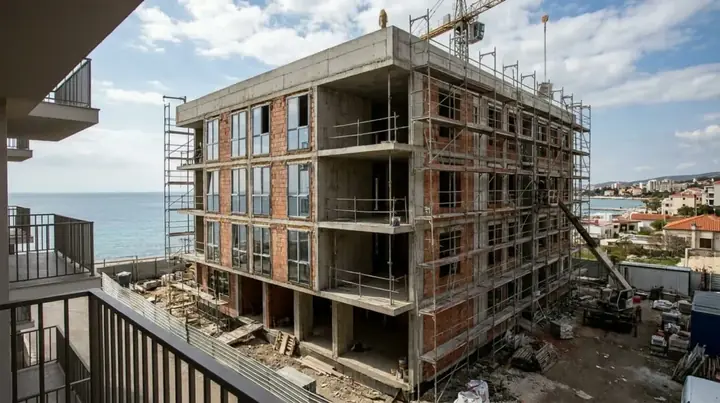
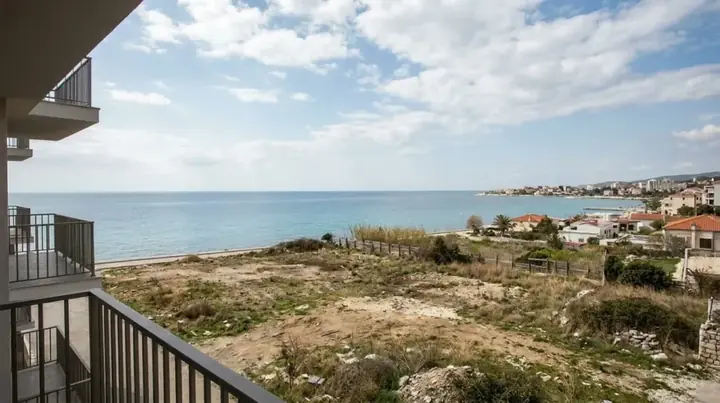
See it on a real project
Book a demo, or leave your details and we will call you. Work out the price for your project