BIM Digital Twin
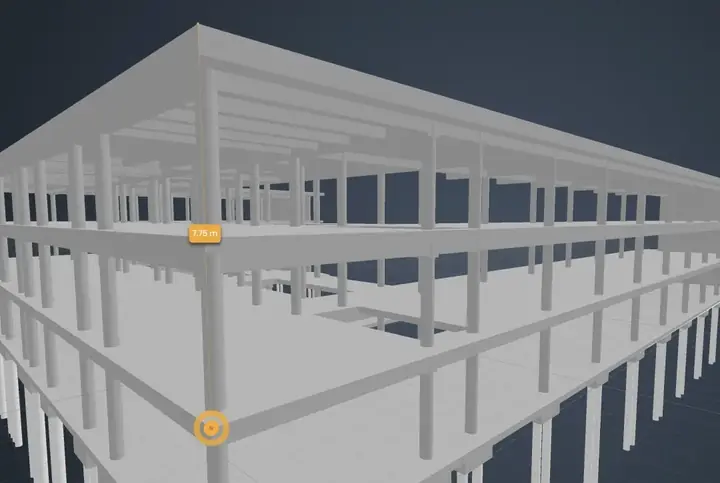
Overlay IFC models on the live camera view, measure and section in the browser.
24/7 live view in up to 4K, a time-lapse of every phase and the BIM model overlaid on the real site. For residential developments, offices, hotels and public facilities.
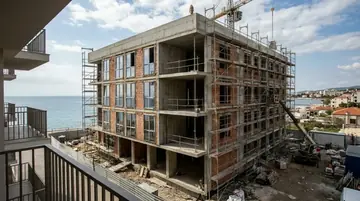
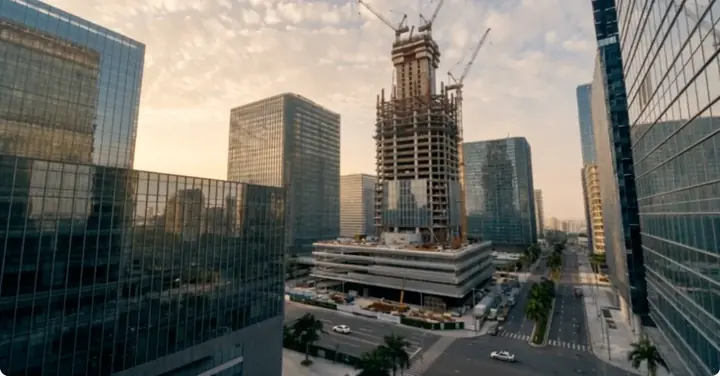
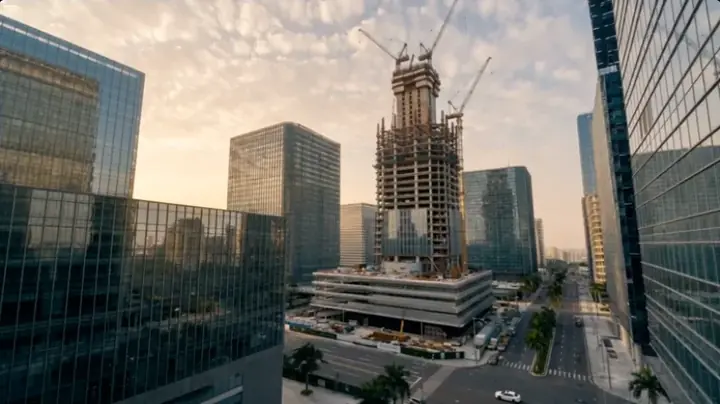
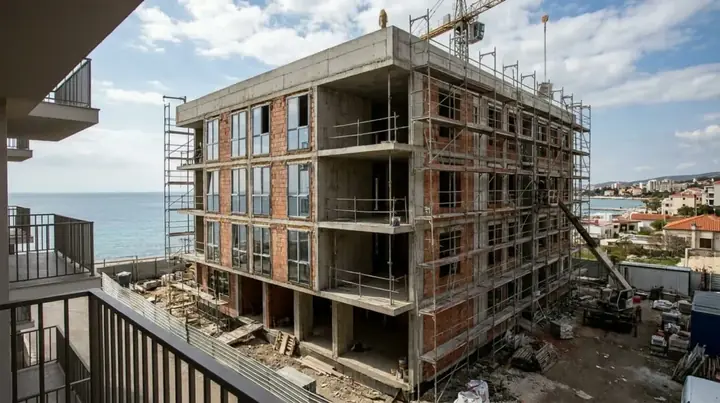
AI-generated images
Overlay IFC models on the live camera view, measure and section in the browser.
Automated 4K construction time-lapse: weekly or monthly progress videos, plus custom videos for any date range you choose.
Import or build the project Gantt chart and compare it with what the cameras show and the weather forecast.
VisionHub is a platform for visual monitoring and remote management of construction sites, infrastructure and assets. On building projects it connects one or more fixed cameras on site to a web and mobile dashboard where the team watches the live view, browses the image history, generates time-lapses and compares what has been built with the BIM model (IFC).
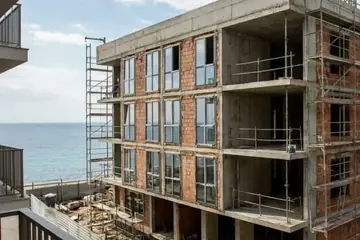
A building project goes through very different phases: excavation and retaining works, structure, envelope, building services and finishes. Each phase has its own risk of delay and its own point of contact. With a well-placed fixed camera, every phase is recorded with a date and time and nobody has to travel to site:
The VisionHub base plan is free and includes project management, a media gallery, the BIM digital twin (beta) and photo comparison. Everything else is added by module, each with a monthly fee: live view, continuous recording, time-lapses and 4G camera rental. Check the current price of each one in the pricing calculator.
The rental camera is 4G and plug-and-play: it is installed without civil works or network cabling and records in UltraHD (4K). On-site installation is carried out by specialist partners. If the site already has IP cameras, you can connect them to VisionHub using standard protocols too.
It depends on the footprint and height of the building. The usual approach is to start with one camera that covers the whole plot and add more if there are several work fronts. Each live camera has its own monthly fee, and the number of users is unlimited.
Yes. The VisionHub digital twin loads architecture, structure and building services IFC files and overlays them on the real camera image. It is included in the free base plan, in beta.
No fixed line is needed. The rental camera runs on 4G and is designed for sites with limited connectivity.
Book a demo and we will show you a building project live.